Restore old memories
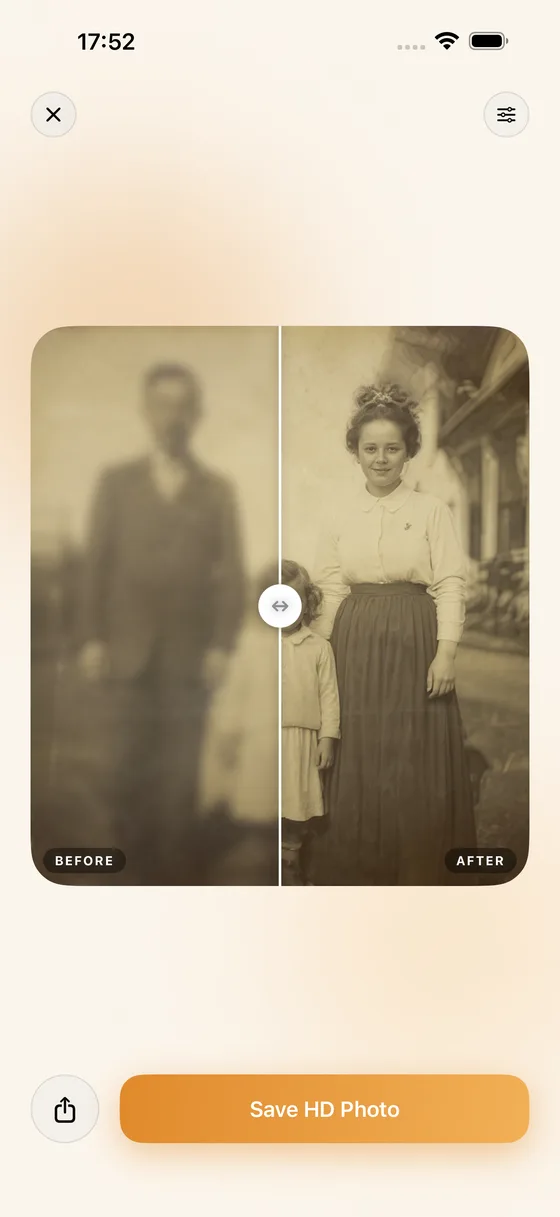
Revive faded, yellowed, and aged family photos. PhotoFixr lifts color, recovers contrast, and brings warmth back to the moments that matter — and can colorize black-and-white prints too.
PhotoFixr restores faded family memories, repairs damaged and torn photos, and unblurs the shots you thought were lost — all in seconds, and all on your phone.
Free to start · No account needed · Faces stay true to themselves
From a shoebox of fading prints to a blurry phone snap, PhotoFixr brings the detail — and the people — back.
Revive faded, yellowed, and aged family photos. PhotoFixr lifts color, recovers contrast, and brings warmth back to the moments that matter — and can colorize black-and-white prints too.
Tears, creases, scratches, water stains, and missing corners — AI reconstructs the damaged areas and fills in what's gone, so a cherished print looks whole again.
Sharpen soft, out-of-focus, and motion-blurred shots. The effect is especially dramatic on faces — recovering eyes, expressions, and detail. Results vary with how much detail remains.
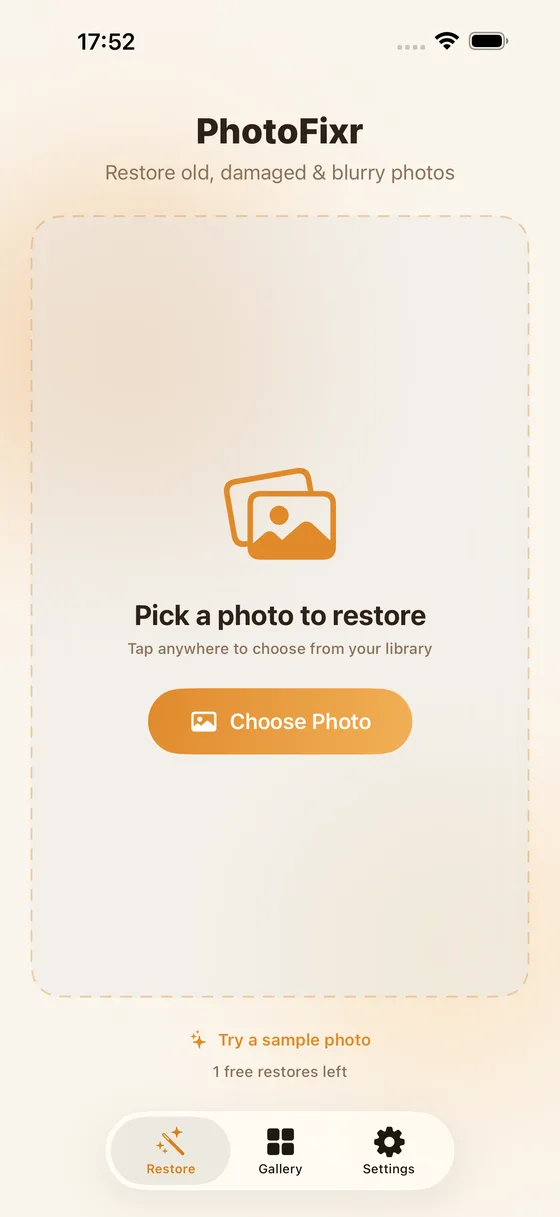
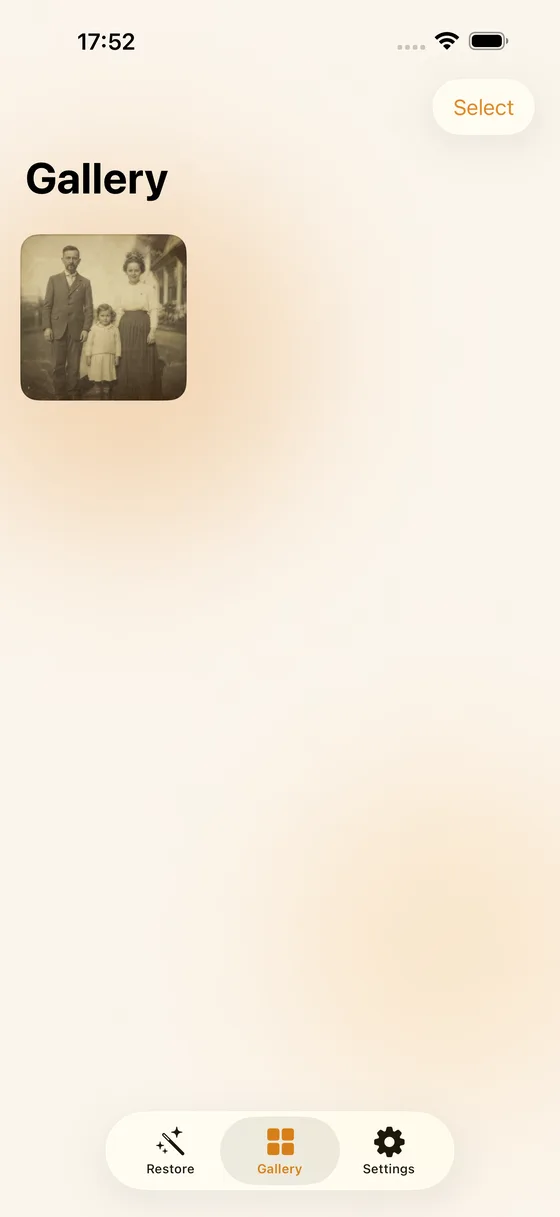
Pick a photo, choose what to fix, and watch faded, damaged, and blurry shots come back to life — then keep them all in your gallery.
No editing skills required. Three taps and a few seconds of patience.
Choose any picture from your library — an old scan, a damaged print, or a blurry snapshot.
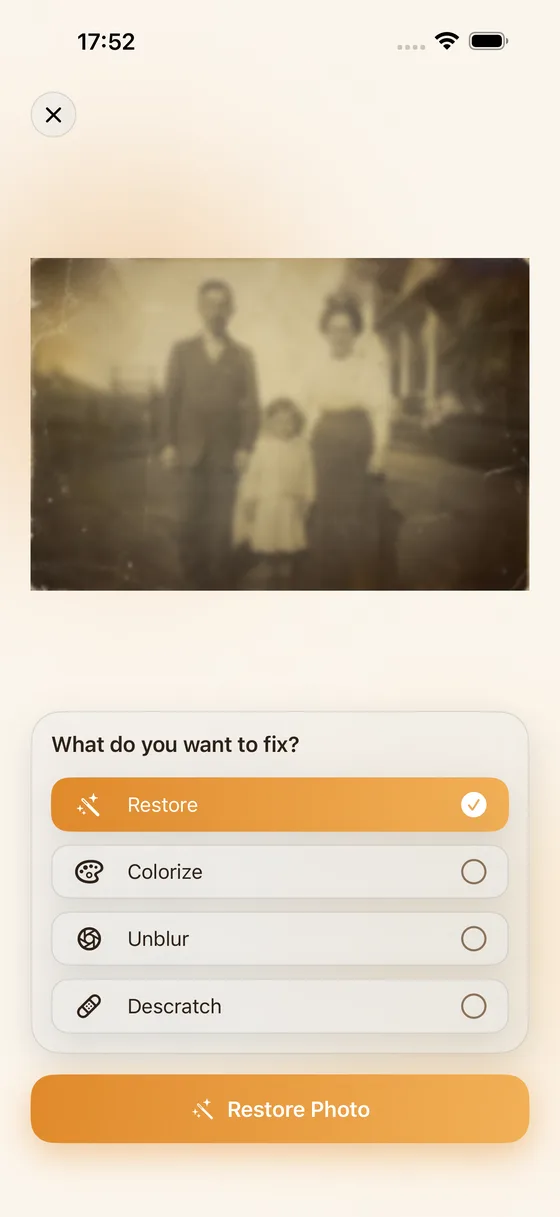
Tap Restore, Colorize, Unblur, or Descratch. Mix and match for exactly the result you want.
AI restores your photo in seconds. Save it in full HD or share it with family right away.
Your photos are never used to train AI and aren't kept after processing. No account needed. Restoration runs on a secure cloud service and your images are deleted once your photo is returned.
PhotoFixr shines on faded, yellowed, scratched, torn, and lightly-to-moderately blurry photos — especially ones with people in them. For scanned prints, a clear, well-lit scan gives the AI more to work with. Even imperfect snapshots taken with your phone work great.
Yes — keeping people recognizable is a top priority. PhotoFixr is tuned to preserve identity and natural features rather than invent a different-looking face. With very low-detail or severely damaged images there's less for the AI to draw on, so we recommend reviewing the result and re-running with different options if needed.
PhotoFixr is a subscription app. A subscription unlocks unlimited restorations in full HD with no watermark, and you can choose weekly, monthly, or yearly — every plan gives the same unlimited access. All purchases are handled securely through the App Store, and you can cancel anytime from your App Store account settings.
The photo you choose is sent to a secure cloud service (Replicate) solely to perform the restoration. Your images are not used to train AI models and are not retained after processing — they're deleted once your restored photo comes back. No account or personal details are required. See our Privacy Policy for the full details.
Results vary with how much detail is left in the original. Mild and moderate blur often clean up beautifully — sharper faces, crisper edges. For extreme blur or heavy damage, the AI does its best to reconstruct what's plausible, but it can't recover detail that simply isn't there. Think of it as a dramatic improvement, not a guarantee of perfection.
Download PhotoFixr and bring your old, damaged, and blurry photos back to life — your first restores are on us.
Download on the App Store